Free
Monitor allowance
20
Free
/year
Billed once per year.
20 monitors with checks every 5 minutes.
Get Started
No credit card required.
UptimeObserver checks website availability from outside your hosting infrastructure and sends downtime alerts with observed failure details.
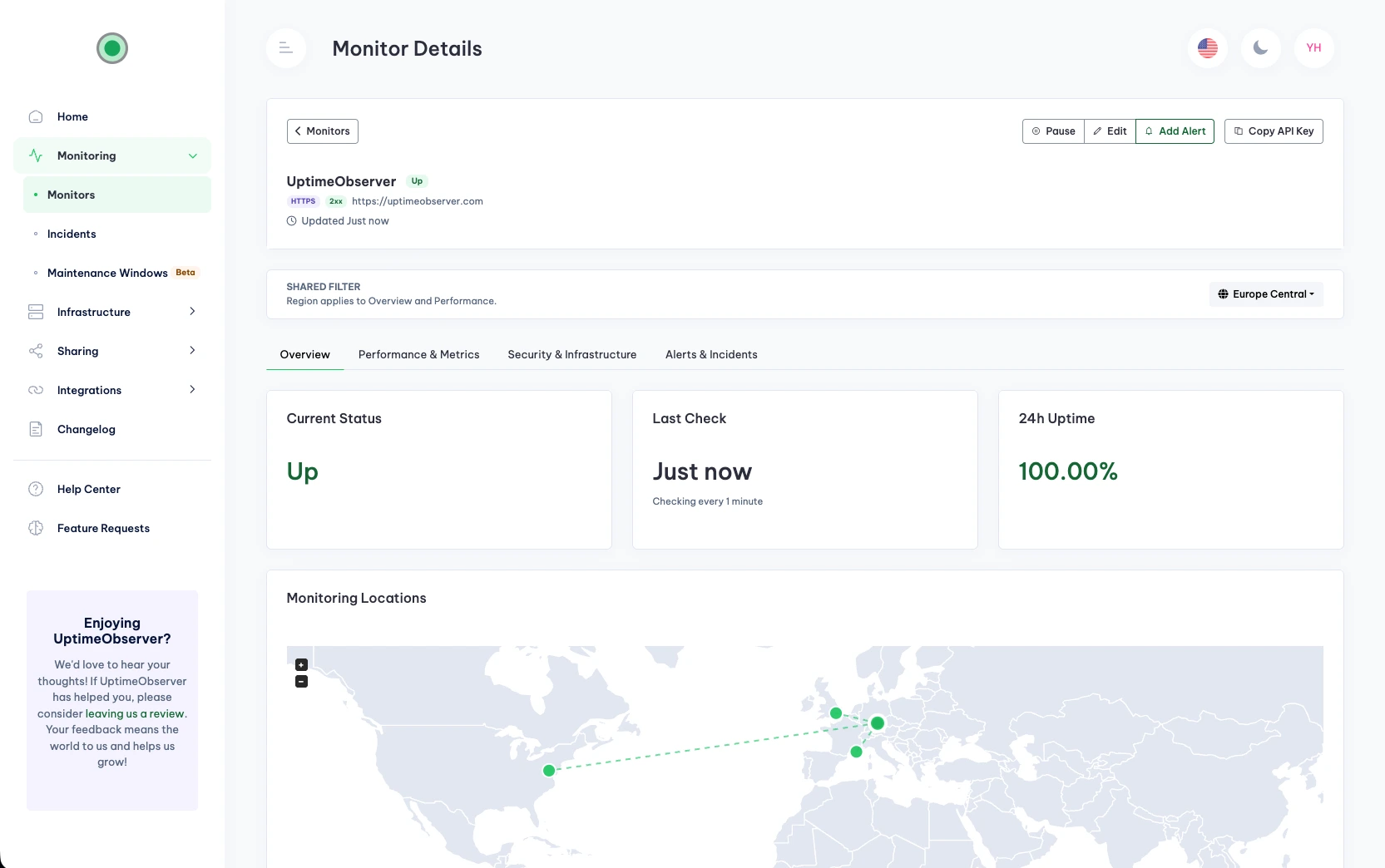
Use the reported failure as a starting point for investigation or a conversation with your hosting provider.
Coverage depends on your plan and settings.
Check whether a URL responds and how long it takes to retrieve its content.
Add a URL, choose an available checking interval, and configure where alerts go.
Enter the HTTP or HTTPS URL you want to check, such as a homepage or API endpoint.
Set headers, authentication, a request body, and redirect behavior when needed. Choose the expected status code, timeout, and retries before failure.
Configure your notification channels to receive downtime and recovery alerts.
Monitor changes to DNS records and get warnings before SSL certificates and supported domains expire.
Send downtime and recovery notifications to the channels you configure.
Send downtime and recovery alerts to your configured Slack channel.
Send downtime and recovery alerts to your configured Discord channel.
Receive downtime and recovery alerts in your connected Telegram chat.
Receive downtime and recovery notifications on your devices through Pushover.
Send HTTP requests to your configured endpoints when a monitor goes down or recovers.
Receive downtime and recovery alerts at your configured email addresses.
Connect AI assistants to your monitoring data via the Model Context Protocol.
“Reliable Website Monitoring with Instant Telegram Alerts.”
Florin B.
AI Engineer, Freelancer
“Easy Setup, Helpful UptimeObserver Team, and Generous Plans.”
Icaro F.
Software Engineer, Small Business
“Simple to Use with Excellent & Fast Support.”
Verified User
Managing Director, Small Business
Start with 20 monitors free.
Monitor allowance
20
Billed once per year.
20 monitors with checks every 5 minutes.
No credit card required.
Monitor allowance
50
Billed once per year.
50 monitors with checks every minute.
14-day trial. Credit card required; you’ll be charged when the trial ends unless you cancel beforehand.
Monitor allowance
200
Billed once per year.
200 monitors with checks every 30 seconds.
14-day trial. Credit card required; you’ll be charged when the trial ends unless you cancel beforehand.
Yearly prices are billed once per year, not monthly. EUR and USD are separate price lists, not automatic currency conversions.
These paid offers apply to first-time paid subscriptions, including upgrades from Free. Your current paid subscription keeps its existing price and monitor allowance.
On smaller screens, scroll the table horizontally to compare plans.
| Feature | Free | Indie | Pro |
|---|---|---|---|
| Monitor allowance | 20 | 50 / 100 | 200 / 400 |
| Availability-check interval | 5 minutes | 1 minute | 30 seconds |
| Email alert recipients | 1 | 3 | 10 |
| Status pages | 1 | 5 | 10 |
| Status pages with custom domains | Not included | Included | Included |
| HTTPS monitoring | Included | Included | Included |
| DNS monitoring | Included | Included | Included |
| Port monitoring | Included | Included | Included |
| SSL monitoring | Not included | Included | Included |
| Domain name expiry monitoring | Not included | Included | Included |
| PageSpeed Insights (PSI) monitoring | Not included | Included | Included |
| Email alerts | Included | Included | Included |
| Telegram alerts | Included | Included | Included |
| Pushover alerts | Included | Included | Included |
| Slack alerts | Not included | Included | Included |
| Discord alerts | Not included | Included | Included |
| Webhook alerts | 2 | 20 | 50 |
| MCP server access | Included | Included | Included |
| Email and chat support | Standard support | Priority support | Priority support |