Contents
You can now sign in to UptimeObserver with a passkey, using your fingerprint, facial recognition, or device PIN instead of typing a password.
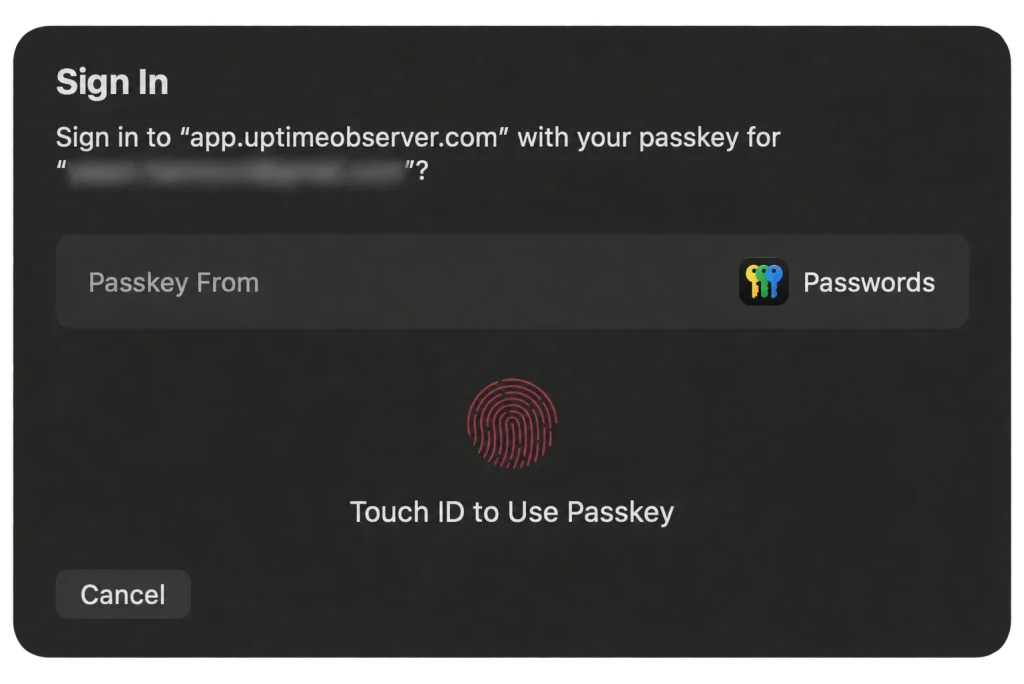
Passkeys are supported on compatible Macs and iPhones, Windows PCs through Windows Hello, and FIDO2 security keys such as the YubiKey 5 Series. The available sign-in options depend on your device and browser.
Passkeys are available on every plan, including Free. Security matters for free users too.
Why use a passkey?
Passkeys let you sign in without remembering or entering a password. You approve the sign-in through your device or passkey manager.
They also provide protection against phishing. Each passkey is tied to the website it was created for, so a fake login page on another domain cannot use your UptimeObserver passkey to sign in.
Your password remains an option
Passkey login is optional. You can add a passkey and use it for future sign-ins, or continue signing in with your password. Adding a passkey does not remove your password.
Sign in to your UptimeObserver account to add a passkey.